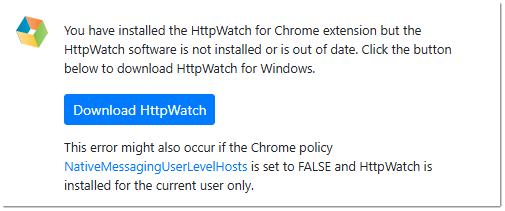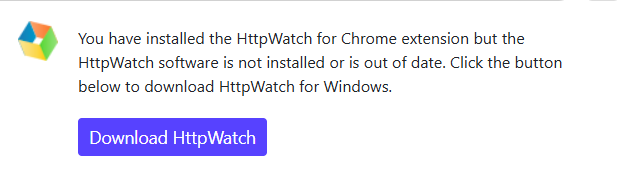
Hello, I am getting this error from the extension even after installing the desktop software. What other browser permissions are required besides native messaging?
Hi,
There are no additional browser permissions that normally need to be granted. This message means the extension could not connect to the HttpWatch native-messaging host installed with the Windows application.
On a managed PC, the following Chrome policies could cause this:
-
NativeMessagingBlocklist -
NativeMessagingAllowlist -
NativeMessagingUserLevelHosts
The HttpWatch Chrome host is:
com.httpwatch.chrome.extension
If all native-messaging hosts are blocked using *, this host must be added to the allowlist. Also, if NativeMessagingUserLevelHosts is disabled, Chrome will not detect a per-user HttpWatch installation. In that case, your administrator must enable that policy or install HttpWatch for all users.
Please open chrome://policy, search for “NativeMessaging,” and let us know which policies are displayed. If none are configured, repairing or reinstalling the latest HttpWatch Windows software under the same Windows account may restore the native-host registration.
Regards,
Neumetrix Support
The error shown above should only occur if HttpWatch failed to install correctly or the Chrome policy NativeMessagingUserLevelHosts was set to FALSE .
There is more information about this policy and how to use HttpWatch with it at: